
 Technology
Increase the number of reservations of your restaurant with Google
The Reservation and Customer Relation Management Tool Reservation.Tools become an official partner of “Reserve with Google”.
03/09/2026
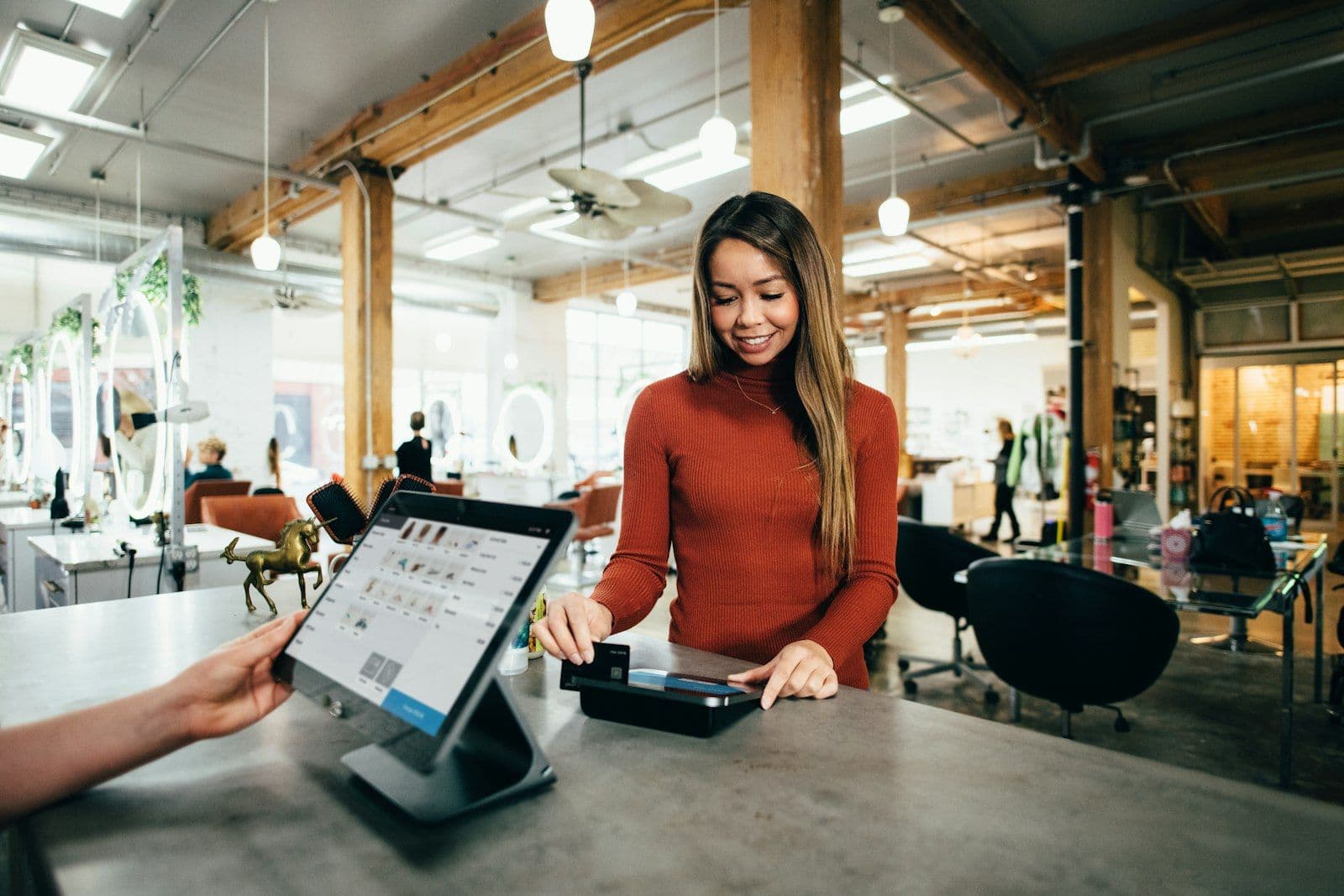
Ask any restaurant owner where their guests find them. Most will say Instagram, word of mouth, or "we don't really know." The truthful answer for 60-80% of new guests at a typical restaurant is Google — specifically Google Maps and the Business Profile that appears when someone searches your name or "restaurants near me."
And most restaurants treat it like an afterthought. A blurry exterior photo from 2017. A menu that was current three chefs ago. Hours that are wrong on bank holidays. Reviews unanswered for eighteen months. This is the face your restaurant shows to every potential new guest. It deserves more than an afterthought.
Photos: go heavy, and keep them fresh
Google's algorithm and guests both reward profiles with lots of recent, high-quality photos. Aim for 30+ photos, updated every few months: the room at service, signature dishes on a plate (not styled ad shots — real plates), the bar, the entrance at night with lights on, happy guests (with consent). Remove photos that are stale or no longer representative.
Menu: actually current
Your profile has a "Menu" section. Use it. Nothing erodes trust faster than a guest arriving to find the dish they saw online isn't on the menu. If your menu changes often, link to the menu page on your website so one update covers both.
Hours: including holidays
Every bank holiday, every closure, every time you switch to summer or winter hours — update the profile. "Closed" showing when you're open loses you guests; "open" showing when you're closed turns into one-star reviews.
Reservations: the biggest missed opportunity
Your profile can show a "Reserve a table" button that takes the guest directly to your booking page. Connected to a reservation system that runs on your domain and your rules, that button is a conversion machine. The guest goes from "looking for somewhere to eat Saturday" to "table booked" in three taps.
Reviews: answer all of them, within 48 hours
A response rate of under 50% signals a manager who's not paying attention. Reply to every review — positive and negative. For positives: short, specific, warm. For negatives: own the issue, apologise, invite them to contact you to make it right. Never argue publicly.
Posts: weekly, minimum
The "Posts" feature is underused. A weekly post — a new dish, an event, a holiday menu — keeps the profile active in Google's eyes and gives guests something to click. Think of it like Instagram, but for the people deciding whether to book tonight.
Q&A: seed it yourself
The questions section of your profile can be populated by you. Add common questions: "Do you have outdoor seating?" "Is it dog-friendly?" "Do you take walk-ins?" Provide the answers. Guests don't have to ask — and Google reads the content for search.
What to track
The Google Business Profile is the single highest-ROI marketing asset most restaurants own — and it's free. Reservation.Tools lets you wire the "Reserve" button directly into your own booking engine, so every search Google sends your way becomes a real booking in your system, with the guest's name and notes waiting for you on the night.
TechnologyThe Reservation and Customer Relation Management Tool Reservation.Tools become an official partner of “Reserve with Google”.
How to manage effectively the customer relationship for your restaurant
Direct communication with customers

How to launch a Christmas charity initiative for your restaurant
Have questions?
 App Store
 Google Play
 Web App